

Module 3 — People, Clients and Deals · Lesson 3.1
The People Directory
Members, skills, availability, and the routing that reads all three
What you'll learn
- Manage members, roles and invites from the directory
- Explain which parts of a member record only that member can edit, and why
- Collect team availability through a request rather than by asking
- Read the directory as the input to assignment recommendations
The directory looks like an admin page and behaves like one, but half of what makes it useful is filled in by the members themselves. Understanding that split is what stops an admin spending an afternoon guessing at people's skills and producing recommendations that are confidently wrong.
What an admin manages here
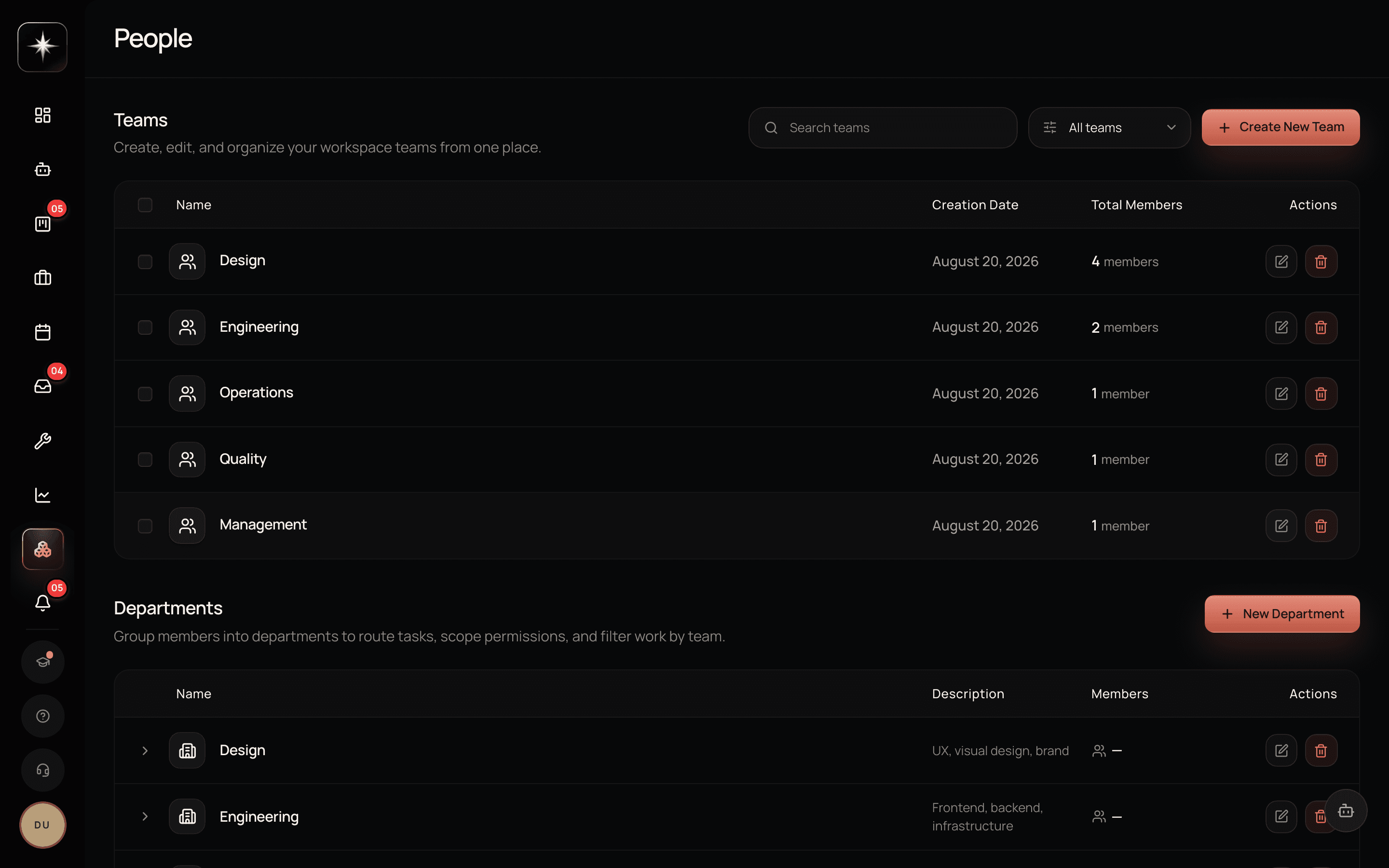
Open People under the Workspace group. The directory lists everyone in the workspace with their role and status.
Admins invite new members by email and set their role at invite time; edit member details; change roles; and deactivate or remove members who have left. Deactivation is the usual answer for a departure — it takes their access away while leaving their history intact, which matters because their completed work is part of your velocity and calibration data.
Pending invites appear here too, with their state reconciled when the page loads, so an expired invite shows as expired rather than sitting there looking live.
What only the member can edit
Skills and experience are self-service. They live on the member's own profile, and an admin cannot fill them in from the directory.
This is a deliberate design decision rather than a gap. Kavanah uses declared skills to recommend people for work. A skills profile that a manager guessed at produces recommendations that look authoritative and are wrong — and a wrong recommendation gets acted on in a way that no recommendation does not. Making it self-service means an empty profile is honest: the system knows it does not know.
The practical consequence for an admin is that you cannot fix this yourself. What you can do is make it a step in onboarding, and check coverage: if fewer than half your members have declared skills, the routing engine is working from a sample that does not represent the team, and its suggestions will look arbitrary because they are.
Availability
Availability is collected, not assumed. On the Portfolio surface's Resources tab, a leader can raise an availability request; members respond with what they actually have. There are also standing availability entries for regular patterns.
This matters because capacity planning without real availability is arithmetic on a fiction. A team of five is not five people's worth of capacity if two are half-allocated elsewhere and one is on leave, and no amount of estimating tasks better fixes a capacity number built on headcount.
The request-and-respond shape is the important part. Asking in chat produces answers that are not recorded anywhere the planner can read; the request produces structured responses that capacity and allocation actually consume.
How routing reads all of this
Kavanah can recommend who should own a piece of work. The recommendation reads three things: declared capability (can this person do it), current load and availability (do they have room), and history (have they done this kind of work before, and how did it go).
The directory is where two of those three come from. That is the honest reason to care about it: not tidiness, but that the assignment suggestions are only as good as the picture underneath them.
The theory of why assignment is the highest-leverage decision a manager makes — and what to do when the recommendation and your instinct disagree — is a lesson in the sibling course, Project Management with Kavanah. This lesson is about making sure the inputs are real.
Make the directory real
- 1
Open People and check every member's role is what you meant. Admin is a configuration role — it should be a short list you could name from memory.
- 2
Count how many members have declared skills. Below about half, assignment recommendations will look arbitrary because the sample is not the team.
- 3
Ask people to fill in their own profile
You cannot do it for them, and that is the point. Link them straight to their profile page.
- 4
Portfolio → Resources. Structured responses are what capacity planning consumes; a chat thread is not.
What to watch
- Skills coverage
- Share of active members with at least one declared skill.
- Healthy signal: Our suggested target is a clear majority. This is the single input that most determines whether routing suggestions are worth reading.
- Availability freshness
- How recently availability was collected for the team.
- Healthy signal: Within the current planning period. Availability from two quarters ago is a number, not information.
- Deactivated-not-removed
- Whether departures are handled by deactivation (history preserved) rather than deletion.
- Healthy signal: Always deactivation. Deleting a member removes the completion history your velocity numbers are built on.
Key takeaways
- ·People is where admins manage membership, roles, invites and departures.
- ·Skills and experience are self-service by design — a guessed profile produces confidently wrong routing.
- ·Deactivate departures rather than deleting, so their completion history survives.
- ·Availability is collected through a request on Portfolio → Resources, not assumed from headcount.
- ·Assignment recommendations are only as good as capability plus availability plus history.
Next: what each of those people can actually see — roles, permissions, and the per-project access layer that catches everyone out once.