
Agentic Project
Management
Kavanah's agents plan sprints, draft PRs, triage incidents, and brief clients — one workspace from idea to shipped.
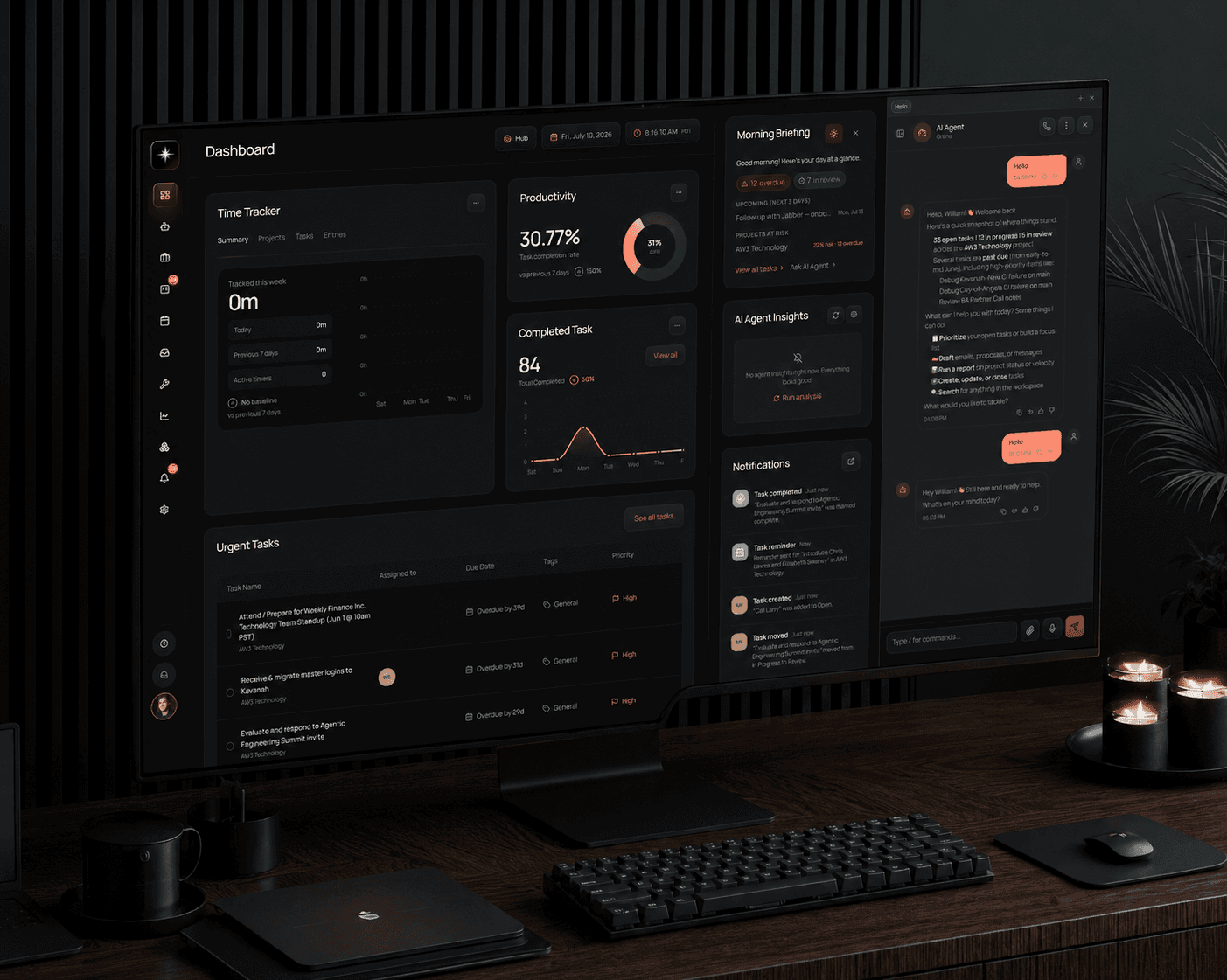
See it in action
Your whole workspace,
on every screen
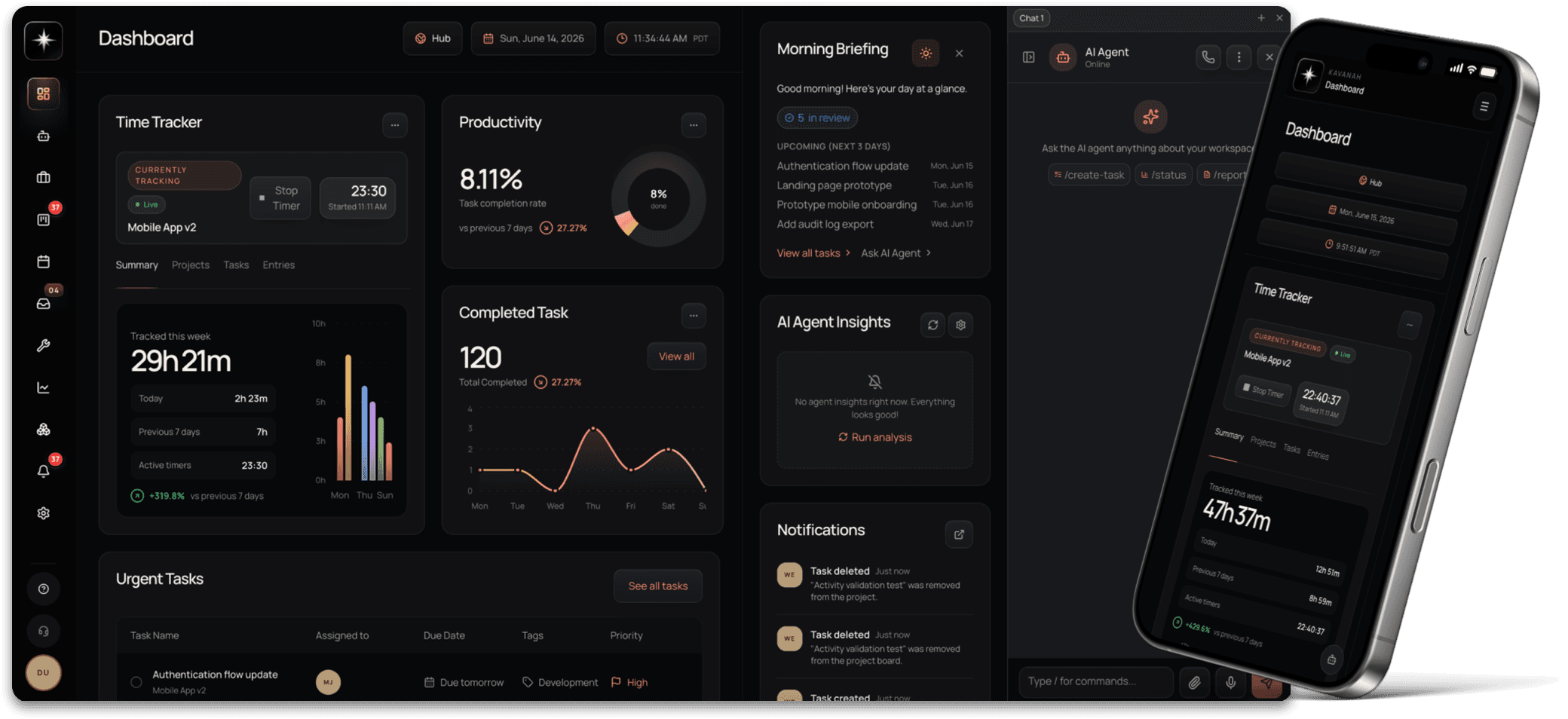
The same dashboard — time tracking, productivity, a morning briefing, and your AI agent — on desktop and in your pocket, always in sync.
#Agentic_Project_Management
Agentic project management, with an AI workforce built in
Kavanah pairs a full project workspace with AI Employees you hire, scope, and assign — agents that plan sprints, draft PRs, triage work, and report back like teammates. You stay in control; the busywork runs itself.
Agentic Project Management
Agents that run the project with you
This is project management that manages itself. Kavanah’s agents plan sprints from your backlog, triage incoming work, draft PRs on ai-eligible tasks, and send the status updates — on a schedule or on demand. Turn a markdown spec into a sequenced plan with Spec→Tasks, and wire approval routes so routine work runs itself, with you in the loop wherever you want.
- Agents plan sprints, triage tasks, and draft the status updates
- AI Engineer drafts PRs from ai-eligible tasks; Spec → Tasks sequences the plan
- Runs autonomously on a schedule or on demand — with approval routes you control
AI Engineer · Active
Drafted 3 PRs from ai-eligible tasks — awaiting review
Active automations
Triage Sentry alerts → tasks
Routes by code-owner
Auto-draft sprint plan
Every Monday 8am
Standup digest to Telegram
Posts to #team
Spec → Tasks
Markdown to sequenced plan
Enforced Charter
The only tool that knows what to refuse
Write down what your company will never do — your anti-goals — and Kavanah enforces it. Before an agent creates a task or a project, the work is checked against your charter. Work that crosses it is refused, citing the exact line that refused it, and logged. That includes the hard case: work that looks like it serves the goal but quietly serves a proxy for it. Every other tool measures what your team shipped. Kavanah measures what it correctly declined.
- The agent refuses work that crosses your anti-goals — and cites the line
- Catches “false friends”: work that looks on-mission but isn’t
- Every refusal is logged, so you can see which of your rules actually bite
Agent · create_task
Add a second onboarding step with an email-invite upsell
A/B test lifts signup completion 12%
Refused · false friend
This serves a proxy for the Vision, not the Vision. Task not created.
Charter line cited
“We do not optimise for signup count or any vanity metric that is a proxy for value rather than value itself.”
AI Employees
Hire AI teammates, scoped like real ones
Create named AI Employees for any role — a PM, an account exec, a research analyst. You decide each one’s capability scopes, who on the team can work with it, and which integrations it can use. Then any workspace member can assign it tasks, and it reports back like a teammate.
- Create custom agents with their own scope and permissions
- Grant per-agent access to email, calendar, GitHub, Slack, and more
- Any workspace member can assign tasks to an AI Employee
AI Employees
Nova
Project Manager
Atlas
Account Exec
Task assigned
Draft the weekly client status report
Plus task boards & Gantt, dev-tool lineage, one-click time tracking, and branded client portals.
See everything Kavanah doesHow It Works
The clear path from
idea to shipped
Spin Up Your Workspace
Create a project, invite your team, and link GitHub, Vercel, Sentry, and the tools you already use — Kavanah’s agents start learning your workflow immediately.
New Project
AI Plans Your Sprint
Agents analyze your backlog, break down epics, and draft a sprint plan for your review. Drop in a markdown spec and Spec→Tasks turns it into a sequenced plan.
To Do
Design landing page
Write API docs
In Progress
Build auth flow
Done
Set up CI/CD
Agents Track & Triage
AI monitors progress, threads PRs and deploys back to tasks, routes Sentry alerts to code owners, and keeps clients in the loop automatically.
Velocity
24 pts
Burn Rate
3.4/day
Due
Apr 25
Ship & Reflect
Agents draft release notes, standups, and client status updates, surface what slipped, and carry learnings into the next cycle.
Ready to deploy to production
Kavanah vs. Claude Cowork
An AI coworker for one laptop.
Or an operating system for the team.
Claude Cowork is a powerful single-operator agent that works on your files and your desktop. Kavanah is the governed, always-on layer that runs how a whole team operates.
A system of record, not a task-runner
Kavanah
Persists shared team state — projects, tasks, clients, time, portfolios, discussions, skills — in a structured, queryable, multi-user model.
Claude Cowork
Produces one-off deliverables. When the job is done, the state lives in whatever file it wrote, not in a shared source of truth.
Multi-user & governance by design
Kavanah
Workspace tenancy, RBAC, and audit logs — and the AI agent runs inside persona scopes and member ACLs (9 capability groups, per-persona tool limits, who-can-chat lists).
Claude Cowork
Power comes from ungoverned, file-system-level autonomy on one person’s machine — exactly what an org can’t safely hand to 50 employees.
Runs when no one’s at the keyboard
Kavanah
Always-on server-side automations — overdue triggers, SLA breach detection, scheduled & recurring reports, integration sync. Kavanah is infrastructure.
Claude Cowork
Acts only when you launch it on your desktop. It’s a tool you pick up, not a system that keeps working in the background.
Opinionated methodology & workflows
Kavanah
The KVN method (Know-how / Vision / Negation) runs from workspace to project to task and into the agent — and the Negation is enforced, not filed: the agent refuses work that crosses it and logs the refusal. Skills-based auto-assignment, automations, and reporting are built in.
Claude Cowork
General-purpose computer use with no management model — no shared methodology threaded through how work is delegated and tracked, and nothing that can tell it what your organisation has decided not to do.
Integrations with a data model
Kavanah
GitHub, finance, calendars, and email sync into Kavanah’s schema — cursored, workspace-scoped, and surfaced in dedicated UI for the whole team.
Claude Cowork
Integrates to operate apps on your behalf in the moment, rather than mirroring and managing data across a team over time.
Better together
Cowork shines at ad-hoc, open-ended deliverables on an individual’s own files — “research these 40 PDFs and draft a memo.” Kavanah isn’t that, and doesn’t pretend to be.
Think of Cowork as the individual’s autonomous agent, and Kavanah as the team’s governed system of record and operations layer. They sit side by side.
Cowork is an AI coworker for one person’s machine. Kavanah is the governed, always-on operating system for a whole team’s work.
Desktop app
Kavanah, out of the browser.
A native Mac app with real notifications, a Dock badge, and background updates — the same workspace, without a tab to lose.
· Apple Silicon & Intel
Real notifications
Native alerts and a Dock badge when work needs you — no tab required.
Updates itself
New versions install quietly in the background. Download once, stay current.
Always signed in
Your workspace in its own window, one keystroke away from everything else.
#Pricing
Plans for every scale
Simple per-seat pricing from $3 a seat keeps the base platform cheaper than the big tools — pay only for the people you add. AI is metered separately as credits, so you only pay for the agent runs, chat, and automations you actually use.
Basic
Core project management and task tracking. Simple per-seat pricing — pay only for the people you add.
- Unlimited seats — billed per member
- 100 AI credits per seat / month, buy more anytime
- Boards, tasks, and timelines
- Time tracking
- Team chat and discussions
- Email support
Pro
AI agents, client portal, and advanced collaboration. Per seat — scales with your team, not your tooling.
- Unlimited seats — billed per member
- 250 AI credits per seat / month, buy more anytime
- Everything in Basic
- AI planning and triage agents
- Client portal
- Priority support
Enterprise
Custom per-seat rates, security, and support for larger organizations.
- Volume per-seat pricing
- Custom AI credit allowance
- Everything in Pro
- SSO and advanced permissions
- Custom integrations
- Dedicated account manager
Frequently
Asked Questions
Got specific questions? Contact us
Kavanah was built from the ground up with AI agents at the core — not bolted on. Agents triage tasks, plan sprints, draft PRs from ai-eligible tickets, route approvals, and turn markdown specs into sequenced plans. Project management is one workspace, not a stack of tools glued together.
GitHub and GitLab for repos, PRs, and commits. Vercel for deploys. Sentry and Datadog for alerts and incidents. Telegram for standup digests and bot commands. Plus Gmail, Google Calendar, Google Drive, and Scrappy for outbound campaigns. Everything stitches into one lineage view: task ↔ commit ↔ PR ↔ deploy ↔ incident.
Yes — Kavanah is a full project management platform with boards, timelines, sprints, and team collaboration. The differences: AI handles the tedious parts (triage, status updates, sprint planning), dev integration is first-class (lineage, deploys, incidents on the same surface as tasks), and a built-in client portal means you stop maintaining a parallel set of status docs.
Yes. Any workspace can create named AI Employees — a PM, an account exec, a research analyst — each with its own personality and instructions. Admins set every agent's capability scopes, which members can work with it, and which integrations (email, calendar, GitHub, Slack) it can access. Any workspace member can then assign it tasks, and every action it takes lands in the audit log.
You write it down once, and Kavanah enforces it. Every workspace has a KVN charter — Know-how, Vision, and Negation (your hard nos). The Negation isn't a document the agent is politely asked to consider: it's a gate. Before an agent creates a task or a project, the work is checked against your charter, and anything that crosses it is refused, citing the exact line that refused it. It also catches 'false friends' — work that looks like it serves your goal but actually serves a proxy for it, like a change that lifts signup numbers when what you said you wanted was users reaching value faster. The agent can't quietly reword the request and try again; it has to tell you, and then you either drop the work, reframe it, or change the charter. Every refusal is logged, so you can see which of your rules are actually doing something and which are just decoration. If you genuinely want it done anyway, you can override — and the override is recorded too.
Every agent action is configurable. Set automation levels from 'suggest only' to 'fully autonomous' on a per-project or per-workflow basis. Approval routes, watchers, and triage rules sit in the Automations page where you can toggle them on and off without touching code.
Yes. The Mac app is available now — signed, notarized, and self-updating, with native notifications and a Dock badge so you can stay logged in and start a timer without a browser tab. Windows and Linux builds are in progress.
Never. Your data stays yours. Kavanah's AI runs in isolated, per-workspace contexts and we never use customer data to train models. Enterprise customers can request additional data-residency and compliance controls — see our Trust page for details.
Improve your
knowledge about PM
More Blog
Your AI Employee Now Runs Lead Gen While You Sleep — Inside the New Kavanah × Scrappy Integration
We wired Kavanah's AI Employees into Scrappy's scraping engine. Now an agent finds the accounts, builds the pipeline, and pushes qualified leads into your CRM overnight — while you do, quite literally, nothing.
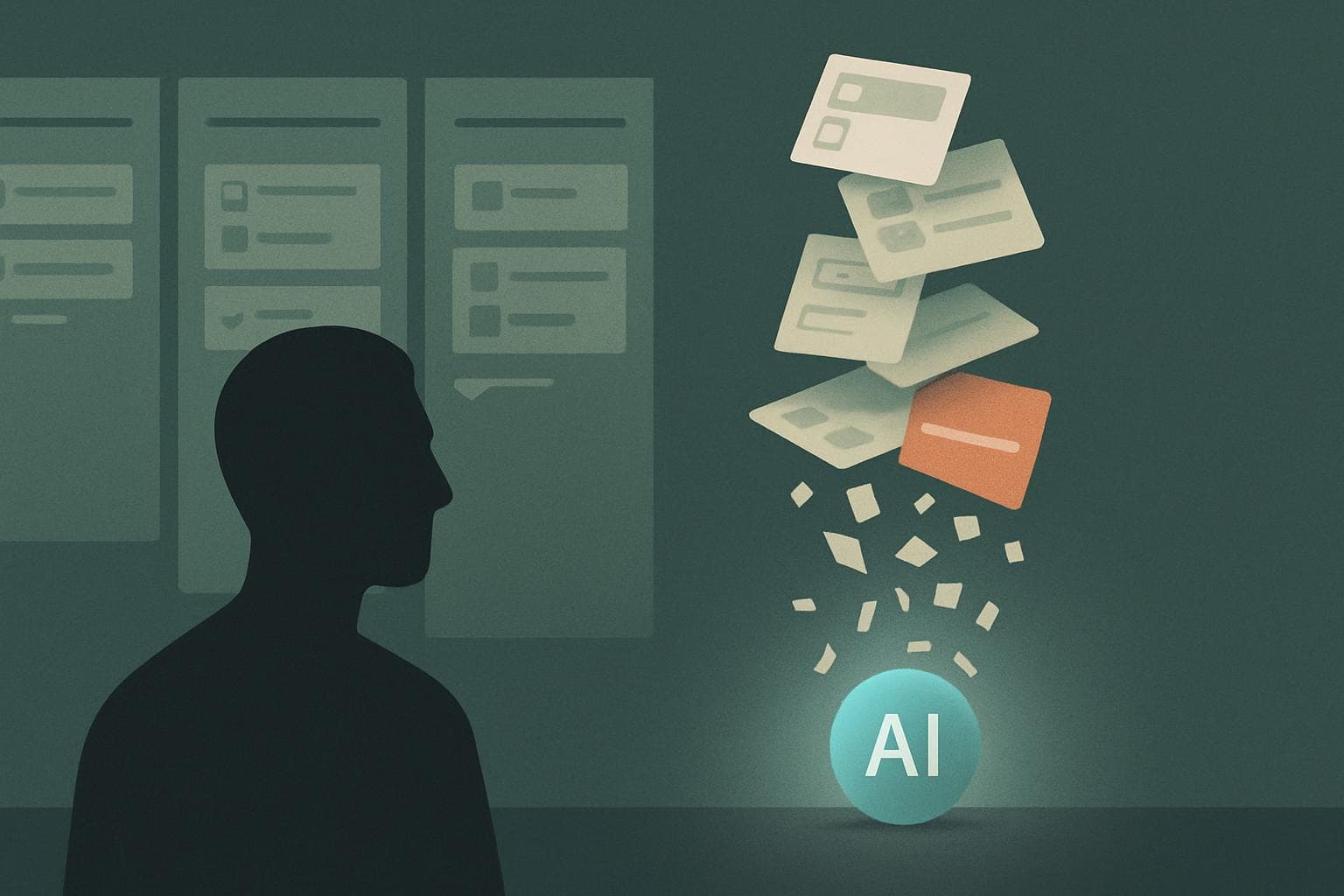
The 'SaaSpocalypse' Came for Your Software Stack — Here's How Kavanah Turns a Dozen Subscriptions Into One AI Team
Roughly $285 billion in software value vanished in a single trading session this year when investors realized one AI-equipped worker can do the job of five. Here's what the great unbundling actually means — and why a unified AI workspace is the trade you want to be on the right side of.
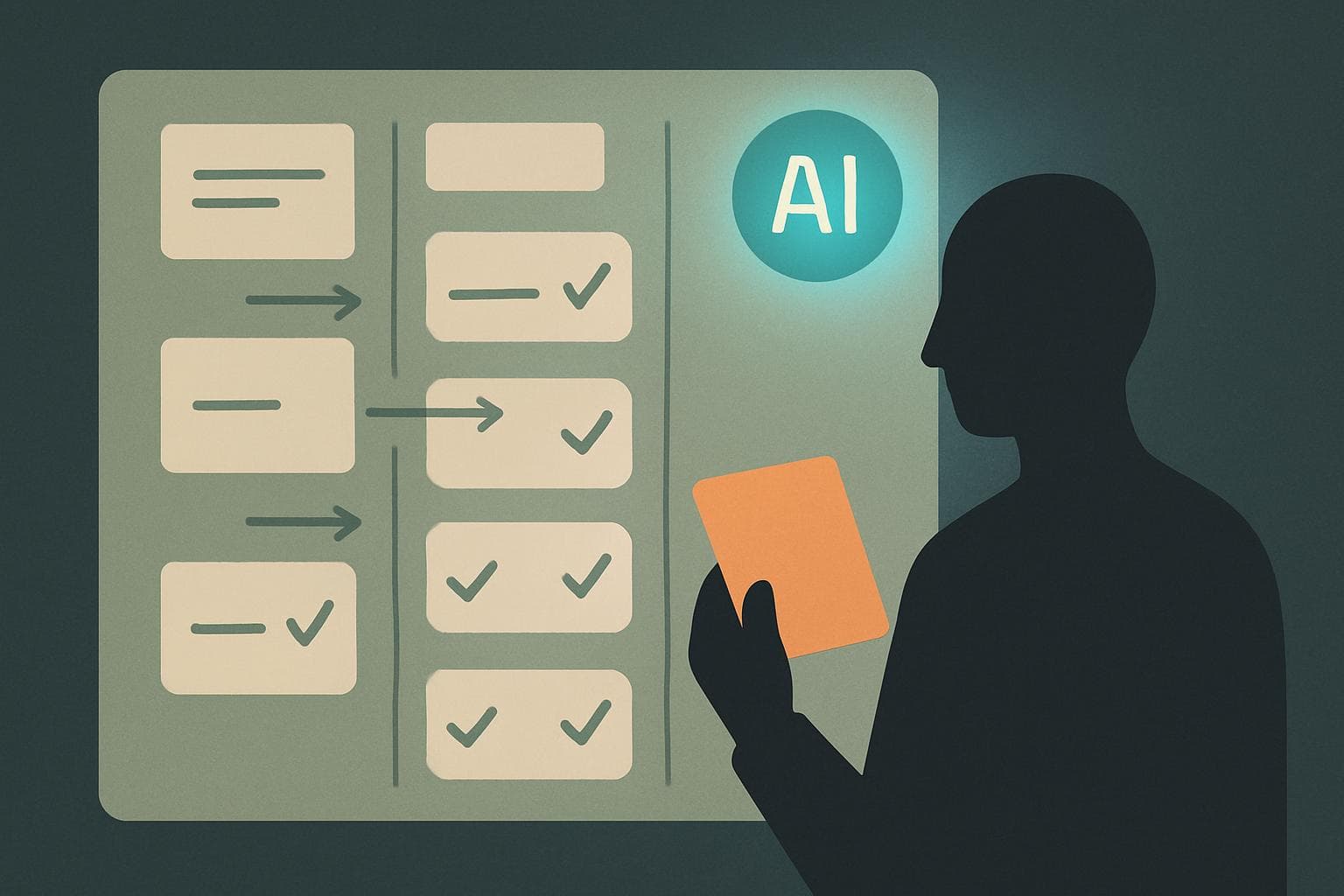
Gartner Says AI Will Erase 80% of Project Management by 2030 — We Shipped the Other 20% First
By 2030, up to 80% of traditional project-management work could be automated away. The teams that win won't be the ones clinging to the 80% — they'll be the ones who already handed it to an agent and kept the 20% that actually needs a human.

It's June. Half Your 2026 Goals Are Already Quietly Dead — Here's the 30-Minute Reset That Saves Them
Most teams don't blow their annual goals in December. They lose them in June, when nobody stops to check the math. Here's the mid-year reset high-output teams run before H2 starts.
Start today
Start a calmer kind of project management.
Bring agents into every project without giving up control. Start free — then pay per seat, from $3 a month, with AI credits included.
Free to start, $3 a seat after
Every seat includes monthly AI credits. Top up whenever you need more.
Governed, not autonomous
Persona scopes, approval gates, and an audit trail on every agent action.
Your stack, already connected
GitHub, Gmail, Calendar, Jira, and Monday sync in from day one.